Quick Direct Method
1. You must be logged in as BC Store Owner
To begin using SpotFraud, please first log in to your BigCommerce store with the store Owner credentials.

Only the Store Owner in BC has the ability to install apps. You can identify the Store Owners in BC by navigating to Account Settings > Users.
2. Once logged into your store with BC Store Owner, click link below:
Click on button to begin Install:
If you’re already logged into your store in this browser, ensure you’re using the proper user. Alternatively, right-click and open this URL in an incognito or private browser window, and log in with the BC owner credentials at the installation point.
BC Dashboard Method
1. You must be logged in as BC Store Owner
2. In BC Menu, click Apps > Marketplace :
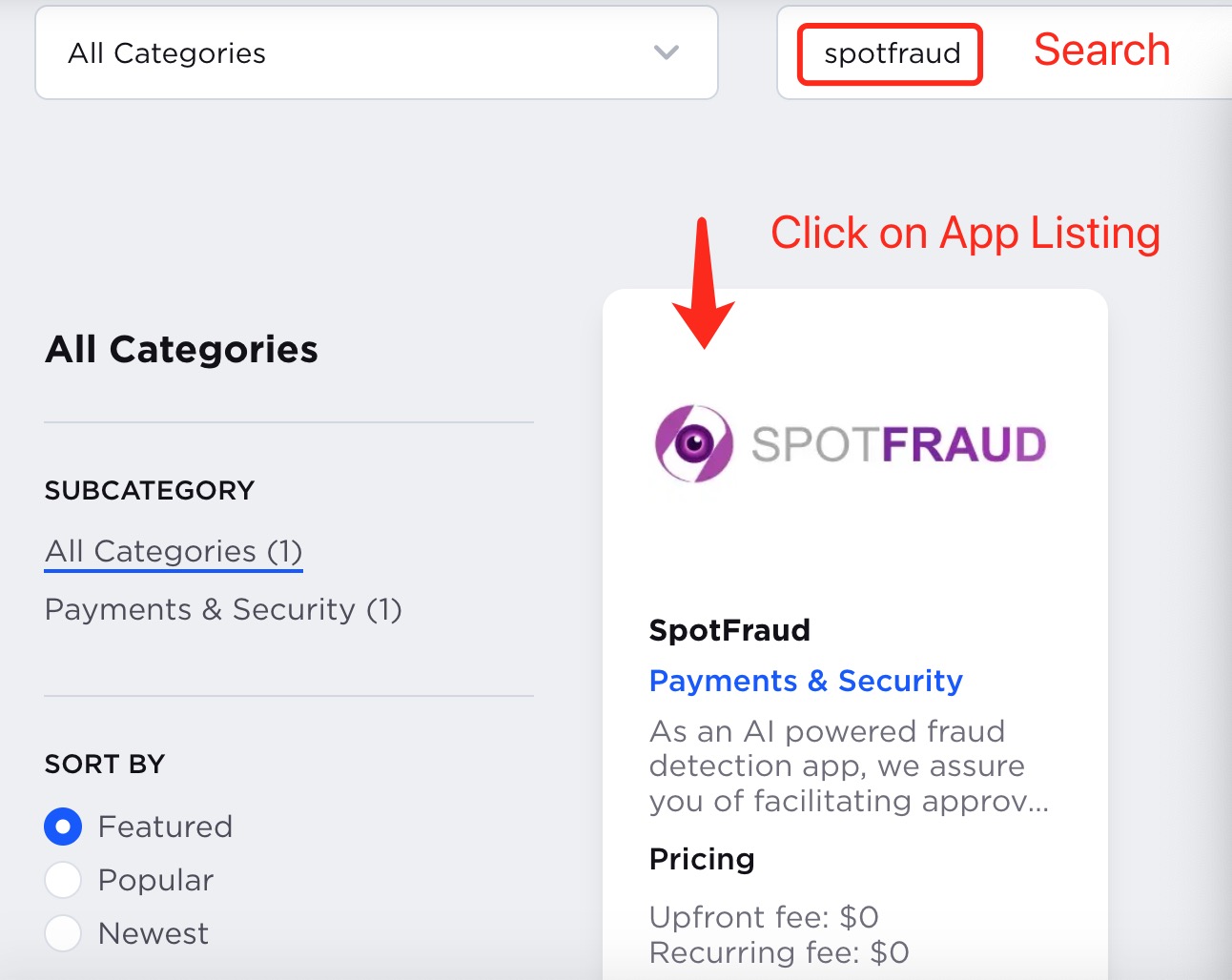
3. Search for SpotFraud once in Marketplace
4. Click "Get This App"

Follow prompts to finish install.